The system allows to remove all images that has a specific tag.
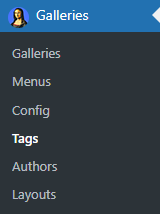
To perform the removal go to Tags menu of the plugin:
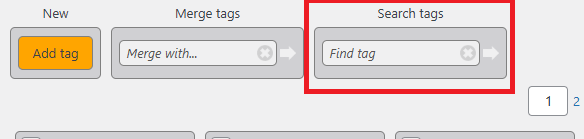
Find the tag to remove via the Search tags feature:
The system will highlight the tag (in our case this is ‘Amsterdam’) in the content area:
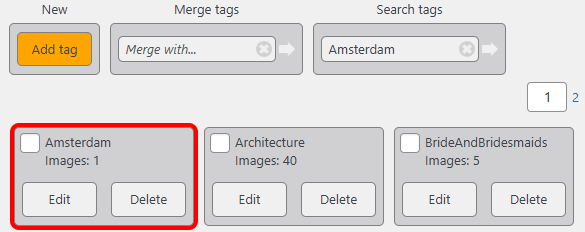
Click on Delete button, tick the Delete tag’s images checkbox and click OK:
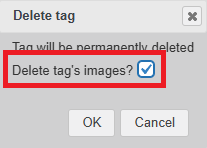
The tag and all images having this tag will be deleted.
More details on tag operations are available in the Tag management section.