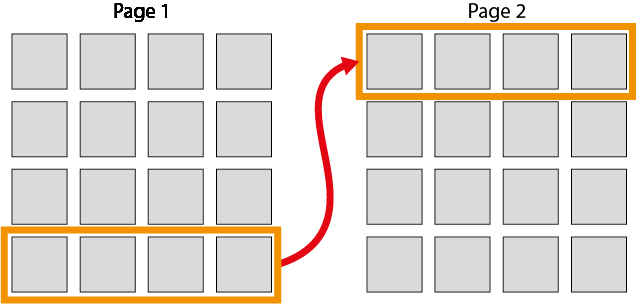
The plugin offers seamless navigation through gallery content, allowing users to browse images continuously or jump to a specific page.
Browsing Options:
For Users:
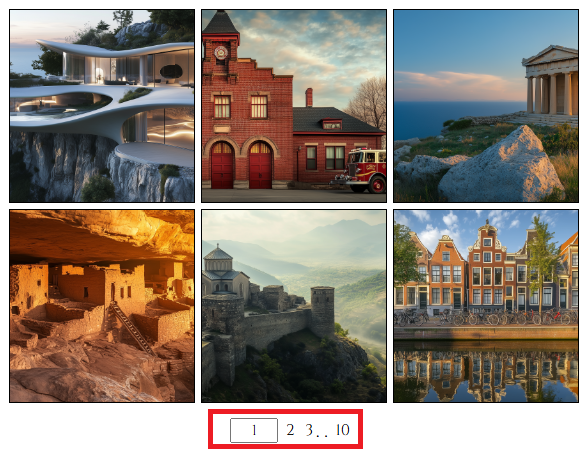
- Pagination – The gallery layout displays a paginator panel, enabling users to navigate to the first, last, or adjacent pages with a single click. The current page number appears in a text input field, where users can enter a specific page number and press ‘Enter’ to jump directly. Images are only loaded for the current page, restricting browsing to visible content.
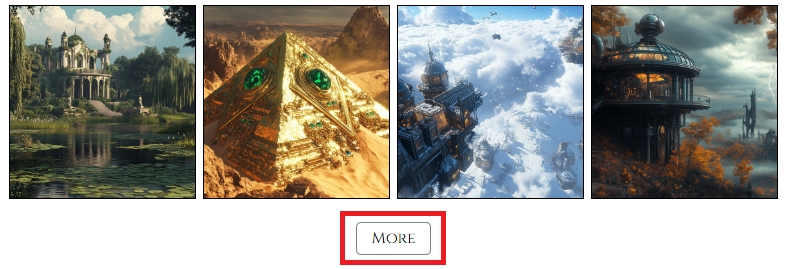
- Infinite Scroll – The gallery layout hides the paginator panel and automatically loads new images as the user scrolls down. Alternatively, users can click the ‘Show More’ button to load additional images. This mode allows seamless browsing of all loaded images.
For more details on browsing configurations, refer to the ‘Layouts‘ section.
For Admins:
- The Admin UI follows the pagination layout, allowing easy navigation between pages.
- Unlike the user view, the top row of each page repeats the last row from the previous page. This design simplifies image management, making it easier to move images between adjacent pages.