Author Assignment
Images can be assigned to authors, allowing for better organization and filtering. Users can see author’s content in three possible ways:
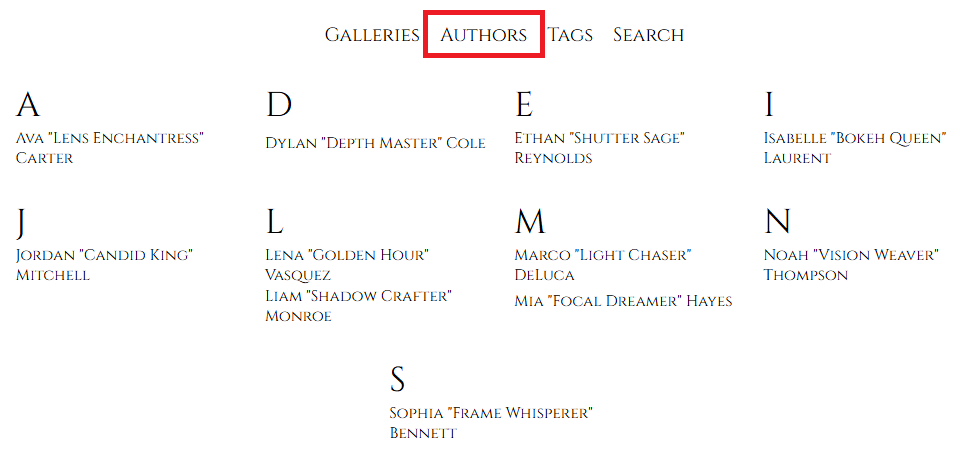
- Via Picture Director Authors menu which will show all authors registered in the system. A click on author’s name will show all images of the author in the standard gallery layout:
- See image author’s name in the bottom-right corner of the lightbox during Image browsing. A click on author’s name will show all author’s images.

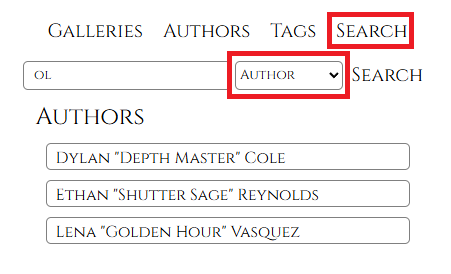
- Via Picture Director Search menu that will list all authors matching search criteria. A click on the authors name will show all images attributed to the author:
Creating Authors
See the below sections for more information on how to create and assign authors:
- Gallery Management Space – create authors and assign them to the images
- Authors Management Section – create, manage and delete authors