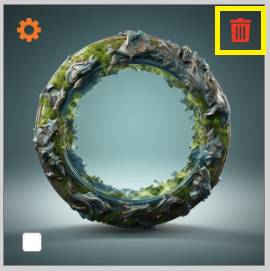
You can organize and manage your images within galleries.
- For image uploads, refer to the “Images upload“ section of this manual.
- For bulk operations such as assigning authors or tags, see the “Gallery Management Space“ section.
1. Image Preview
Clicking on an image icon opens a preview (not in full resolution).
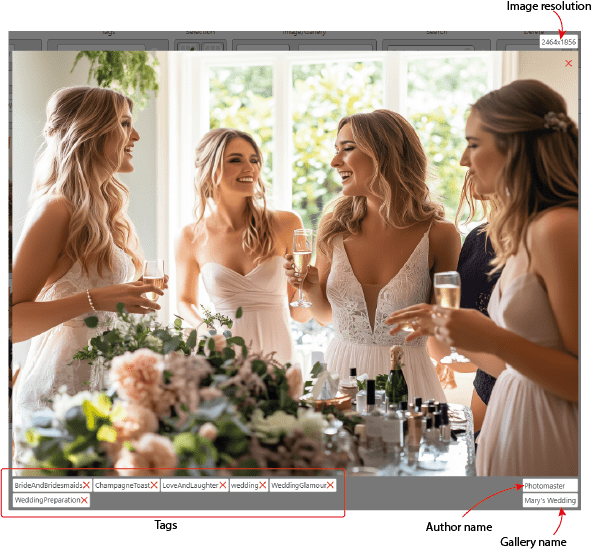
From here, you can:
- Remove tags individually by clicking the red cross next to the tag name.
- View the image author and resolution.
- Click on and quickly navigate to the image’s gallery—useful when accessing images from search results.
2. Image Properties
Click the gear icon in the top-left corner of the image icon to:
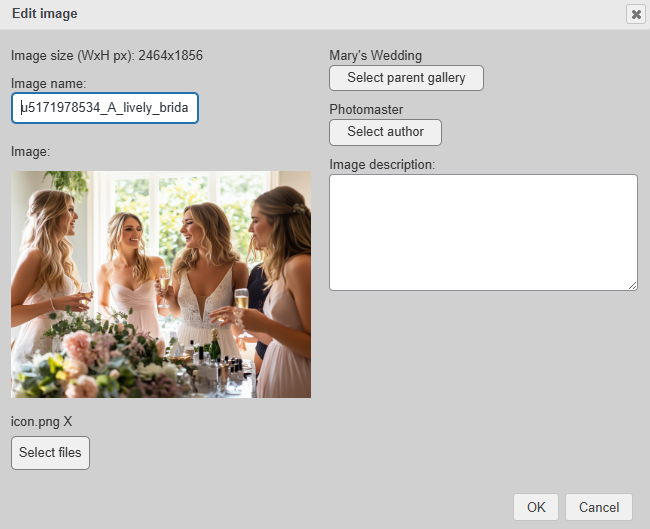
- Edit the image name.
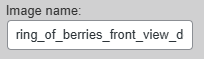
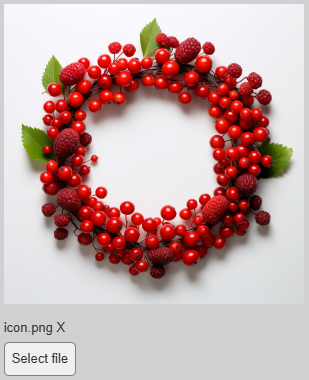
- Replace the image file. Click on the ‘Select file‘ button, and choose a file you wish to upload:
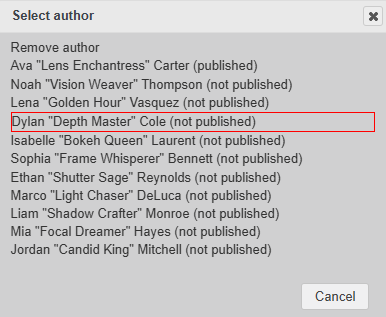
- Assign or change the author. Click on ‘Select author‘ button, and choose from a dialog window appeared:
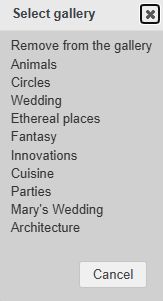
- Move the image to a different gallery. Click on ‘Select parent gallery‘ button, and choose one from a dialog window appeared:
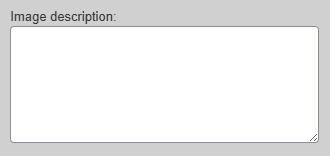
- Add or update the image description.
3. Deleting an Image
To delete an image, click the red icon in the top-right corner. This action will permanently remove the image from the gallery.